Hello, Samantha Walker fans! It's Maya here with a new card and few tips and tricks.
When I am in a need for a card I always go back to few basic designs that I love. One of them is what you see above - three paper strips, a doily with sentiment and few embellishments. It is a great way to use up those little pieces of patterned paper that are too small for layouts but too pretty for the recycling bin. That's why I was excited to see all new doilies that Samantha released few weeks ago. How pretty!
For my card I picked the design called "Spring Doily". I adore the intricate design in the center but I wanted the center to be solid because I will use it to stamp the sentiment. Here is what I did to delete it in few clicks.

1. Open the cut file in the Silhouette Studio Software.

2. Zoom in to make your work easier.
3. Create a new circle. Align the circle center with the center of the doily and resize the circle till it covers the center part of the doily like in the picture above. If you don't resize the doily the circle should be 4.5".

4. Select both the doily and the circle.
5. Click Subtract All. You just cut a circle in the doily. The original circle is still there. (Do you see how the circle is darker than other lines?) Select it and delete. Now we have a doughnut shaped doily.

6. Select the doily and click Release Compound Path. Now all little pieces are separated.
7. Select just the circle and delete it. In the picture I moved the circle aside.
8. Select everything and click Group.

9. Resize the doily to the size you want to use. For my 5"x6.5" card I resized the doily to 4".
10. To create the mat, select the doily and click Offset. Change the Offset Distance to 0.1.
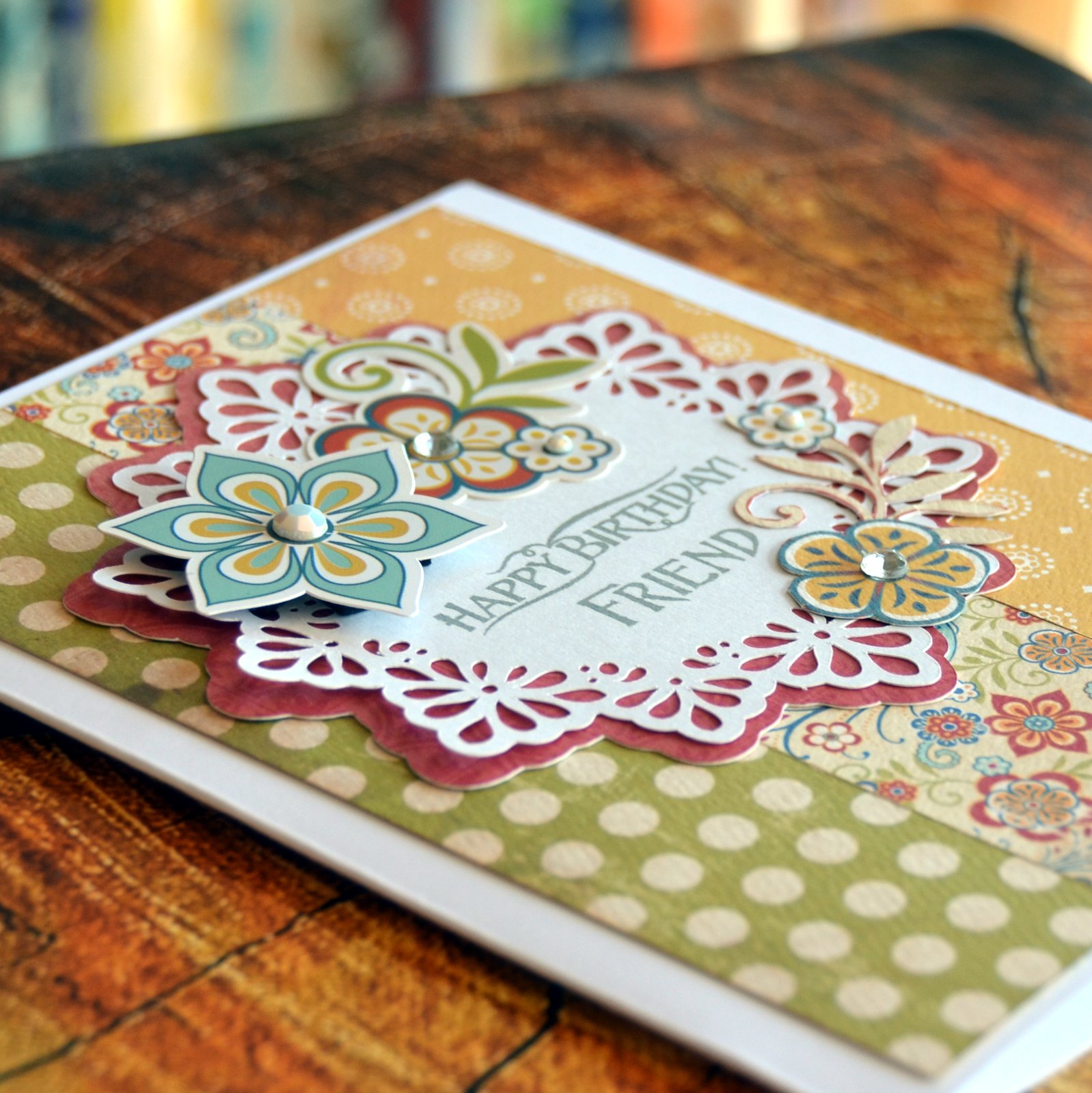
Cut the doily from white cardstock and the mat from patterned paper or colored cardstock. I used gorgeous papers from Samantha Walker Traditions Collection from Carta Bella. The sentiment is from Samantha Walker "Buntings and Banners" stamp set.

That's it for today. I hope I inspired you to make a card for someone you love. Thank you for stopping by!
Here are some supplies that you can use to make today's project, and other fun stuff:
Get Amazon Prime Membership! Enjoy Free 2-day Shipping on Prime products, plus access to Free digital content like videos, books, and more!