Ads 468x60px

Showing posts with label digital kits. Show all posts

Sunday, February 23, 2014

Punching Digital Paper with Pinky!

"Punching Digital Paper!": Using Custom Shape Tools In Digital Scrapbooking

Hey there SW friends,
it's Pinky today and I am so happy to be here!
You know I love to craft with paper, sew with fabric and many
other crafty things but I also love to do digital scrapbooking.

Sometimes it's nice to play with my computer and
just make pretty things but it can also be overwhelming. 
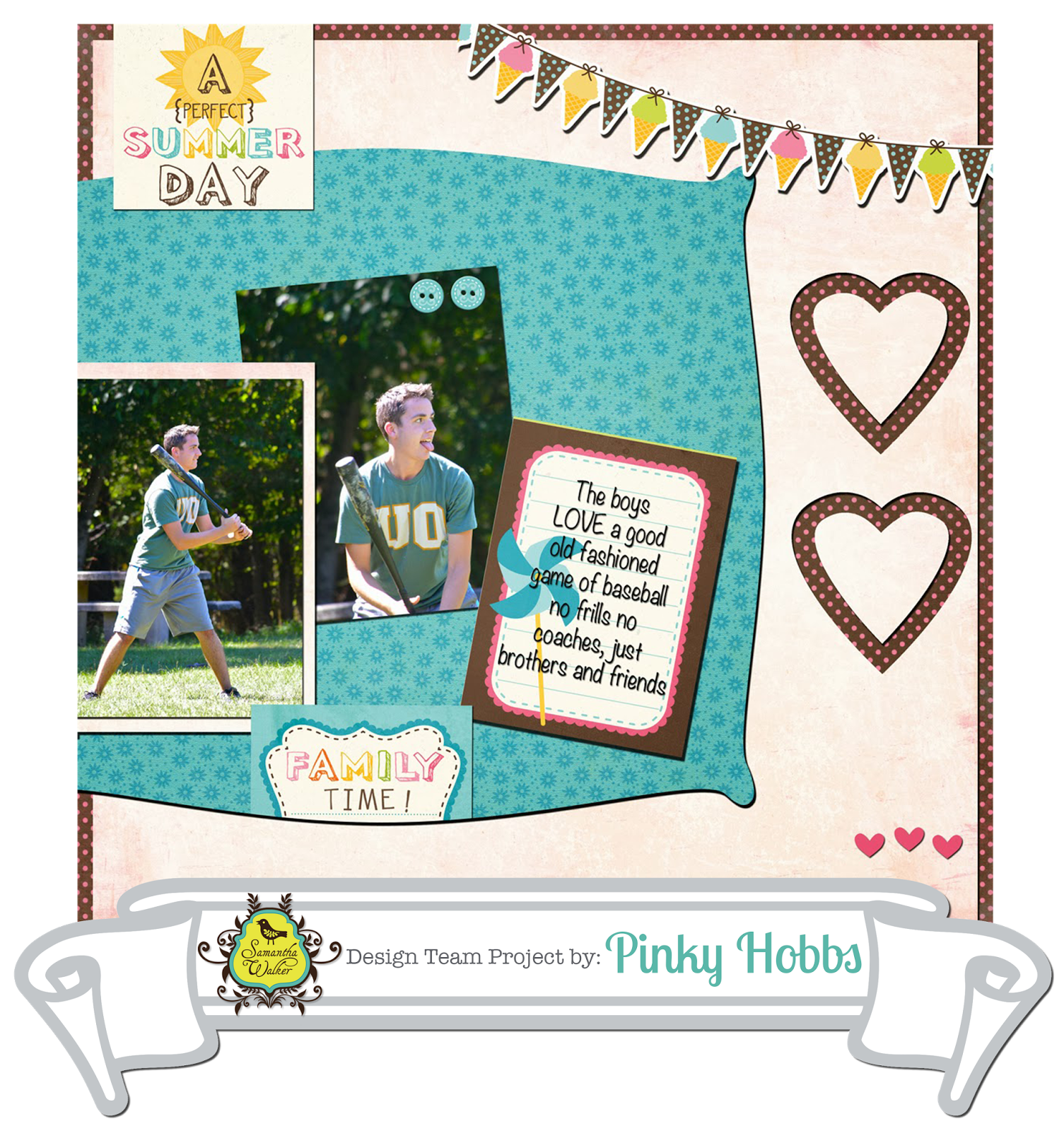
So today I wanted to share how I create "Paper punches" 
using my custom shape tools which are endless for Photoshop.

I am going to share an example by using the Rosie Collection
 but you can see the same results in the layout above using the 

1. Open your base layer and page.
 2. Create a new layer.
 3. Paste new paper onto layer one.
 4. In sidebar find "Custom Shape Tool".
 5. Choose which shape you want.
(All Photoshop programs come with a few to try).
 6. Place Custom Shape Tool design where you want on the top layer.
Size to desired size.
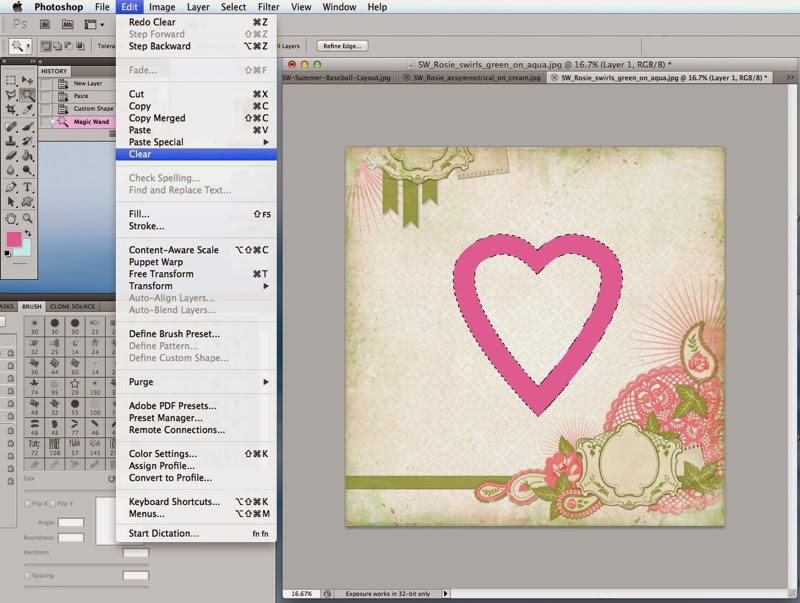
 7. Using "Magic Wand" select shape.
 8. Clear OR Delete shape.
This will leave the patterned paper showing through behind.
9. For more dimension- change style of layer 2- to have a
"drop shadow".
 This creates a paper punched look.
You can also create a beveled look if you change your layer style to
beveled instead of drop shadow.
 Easy and adorable effect! You can apply this with stamps too.
Get ready to DIGI scrap this summer photos. I know I am especially 
in this cold weather, maybe if I scrap it- it will come!

Until next time- Keep on creating!


Monday, October 22, 2012

New This Week! October 22, 2012!


Happy Monday!

New this week at Samantha Walker's Silhouette die cut store!


This file is designed larger than the mat.  To cut this file, cut the pieces that are on the cutting mat in one color then simply slide down the other part into the active area and cut in a contrasting color.  This way you will not have to ungroup and regroup!

Please note, designs may not be up in the store at the beginning of the week, but they have been uploaded to the queue. Watch for them as the queue rolls out the new designs! 

Friday, March 16, 2012

PhotoShop Digital Scrapbook Tutorial by Joscelyne Cutchens

Hello friends, it's Joscelyne with you today! I want to share a few techniques I like to use in Photoshop when I create a digital layout. I'll show you how to create a shape, how to use that shape as a clipping mask and how to use the stroke tool to create your own framed pictures. If you have any questions, please leave them in the comments and I'll do my best to help you out.

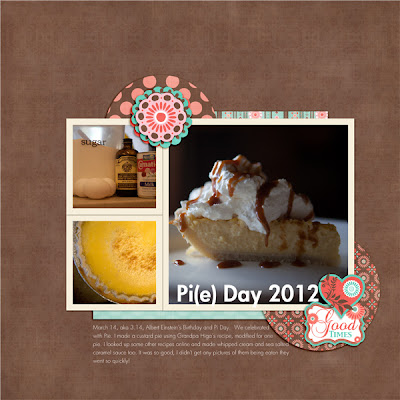
I created this layout to commemorate Pi(e) Day using Samantha Walker's Cuckoo Chocolate Papers and Elements.

Thanks for following along with me!
Related Posts Plugin for WordPress, Blogger...